Media planning
Create a new media plan
Create a plan with the right project, date range, budget, and notes before placements are added.
Create a media plan after the project exists. The media plan sets the project, date range, total budget, and planning notes before you add placements, allocations, fees, and approvals.
Start a new media plan
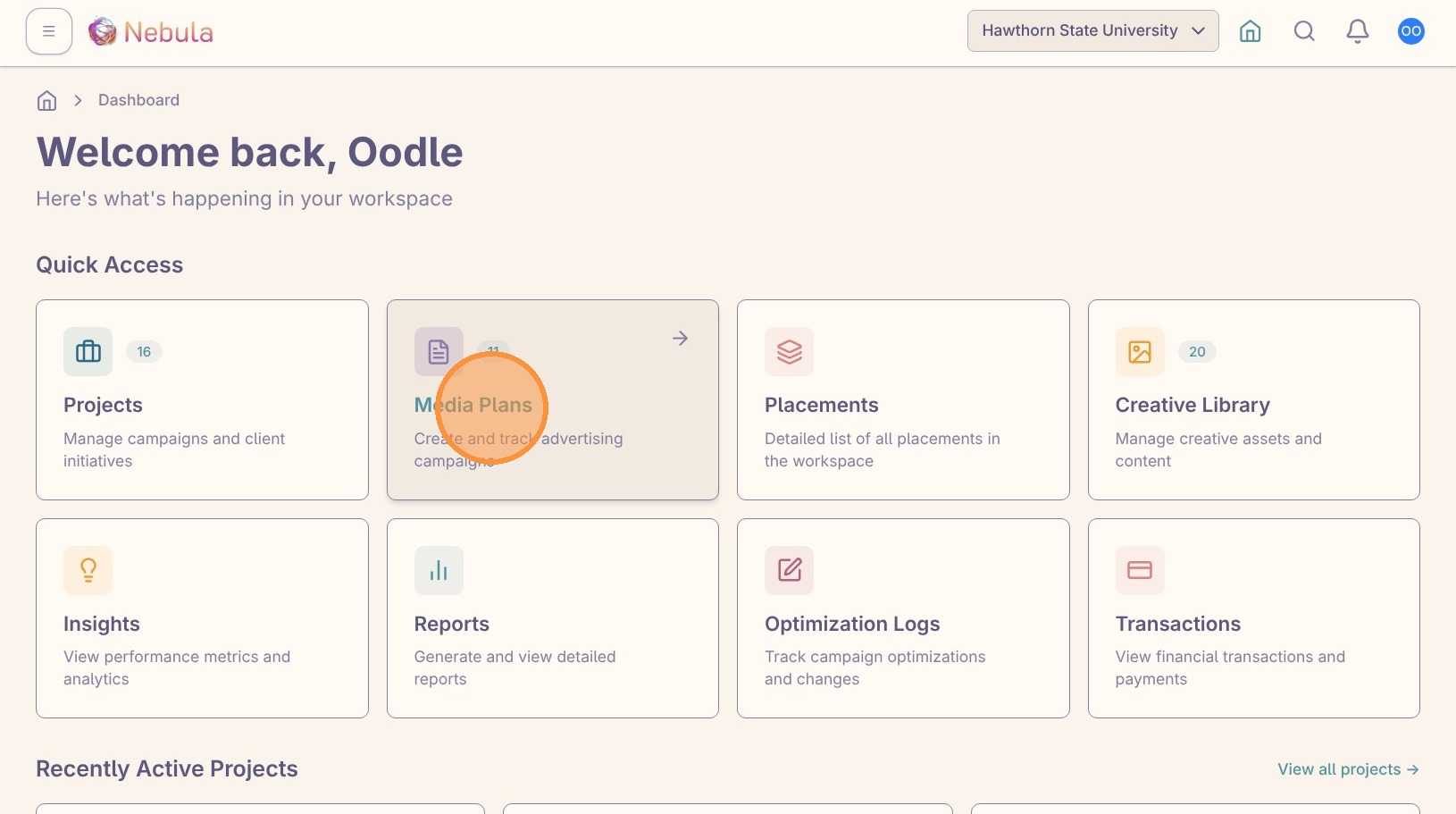
Open “Media Plans” from the dashboard.
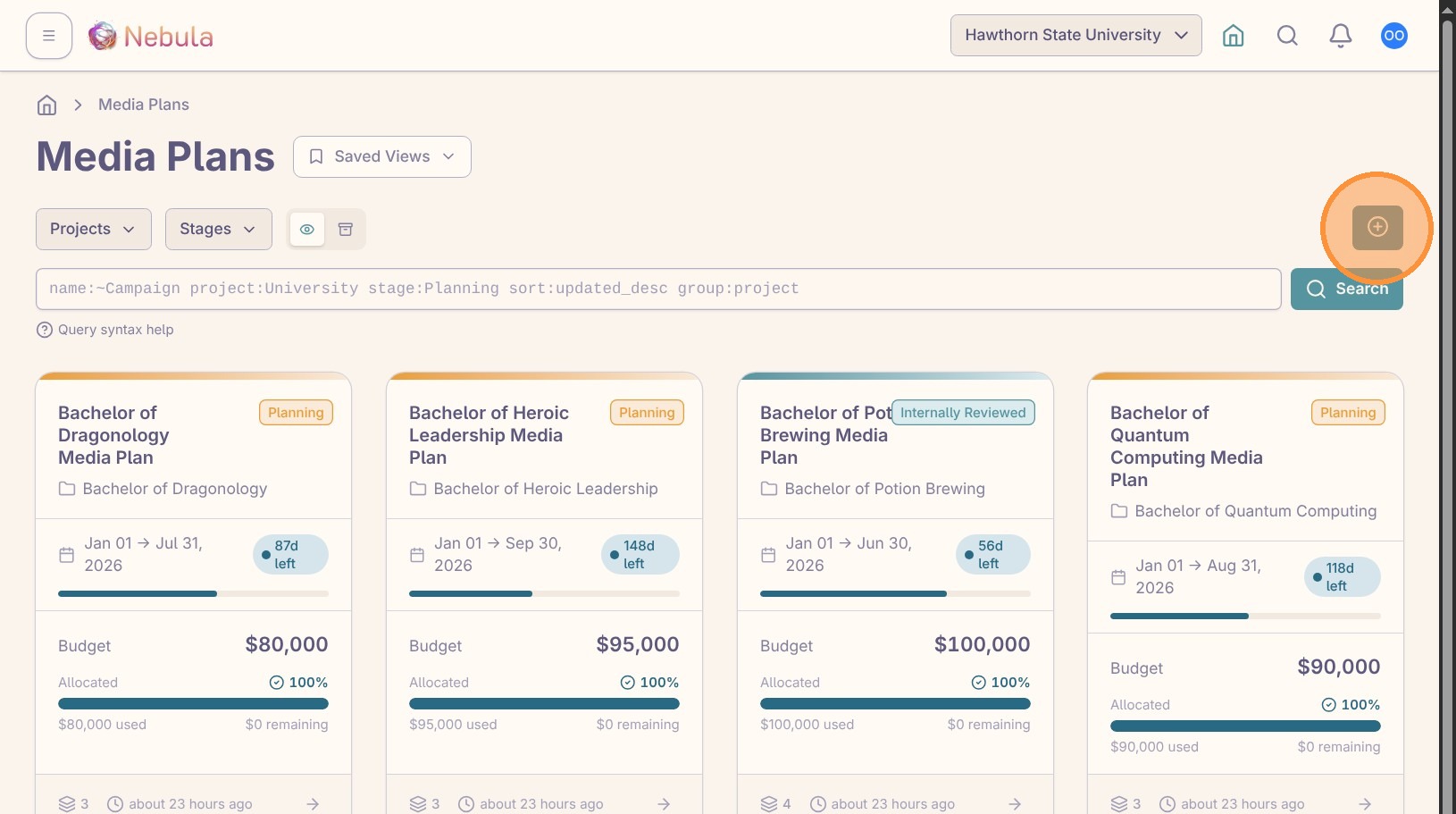
Click the create button to start a new media plan.
Add the plan details
Enter a name that describes the campaign, planning period, or budget scope. A clear name makes the plan easier to find later in reporting and review.
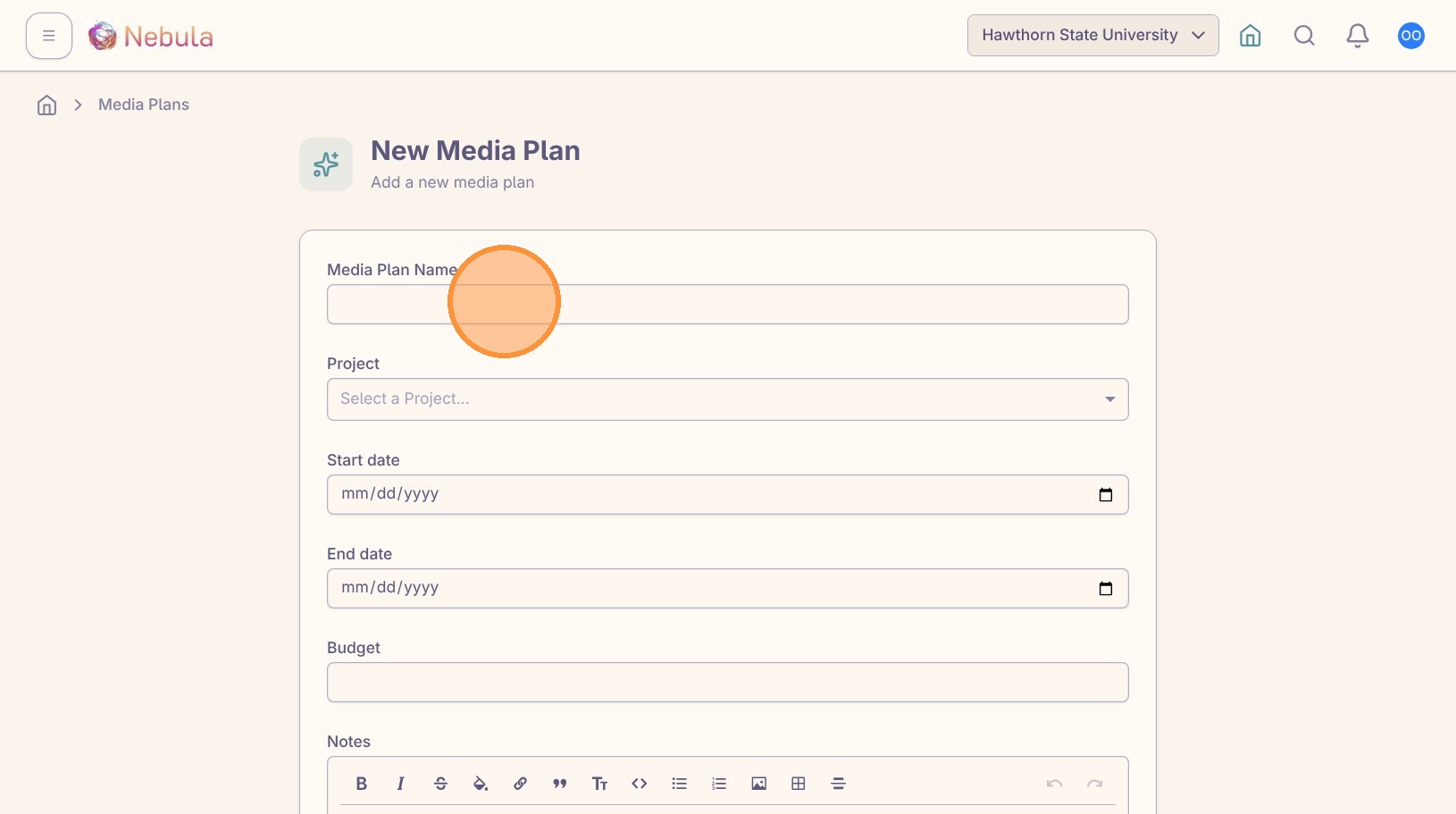
Select the project where this plan belongs. This controls where the plan appears and keeps its reports, insights, creative context, and discussions attached to the right work.
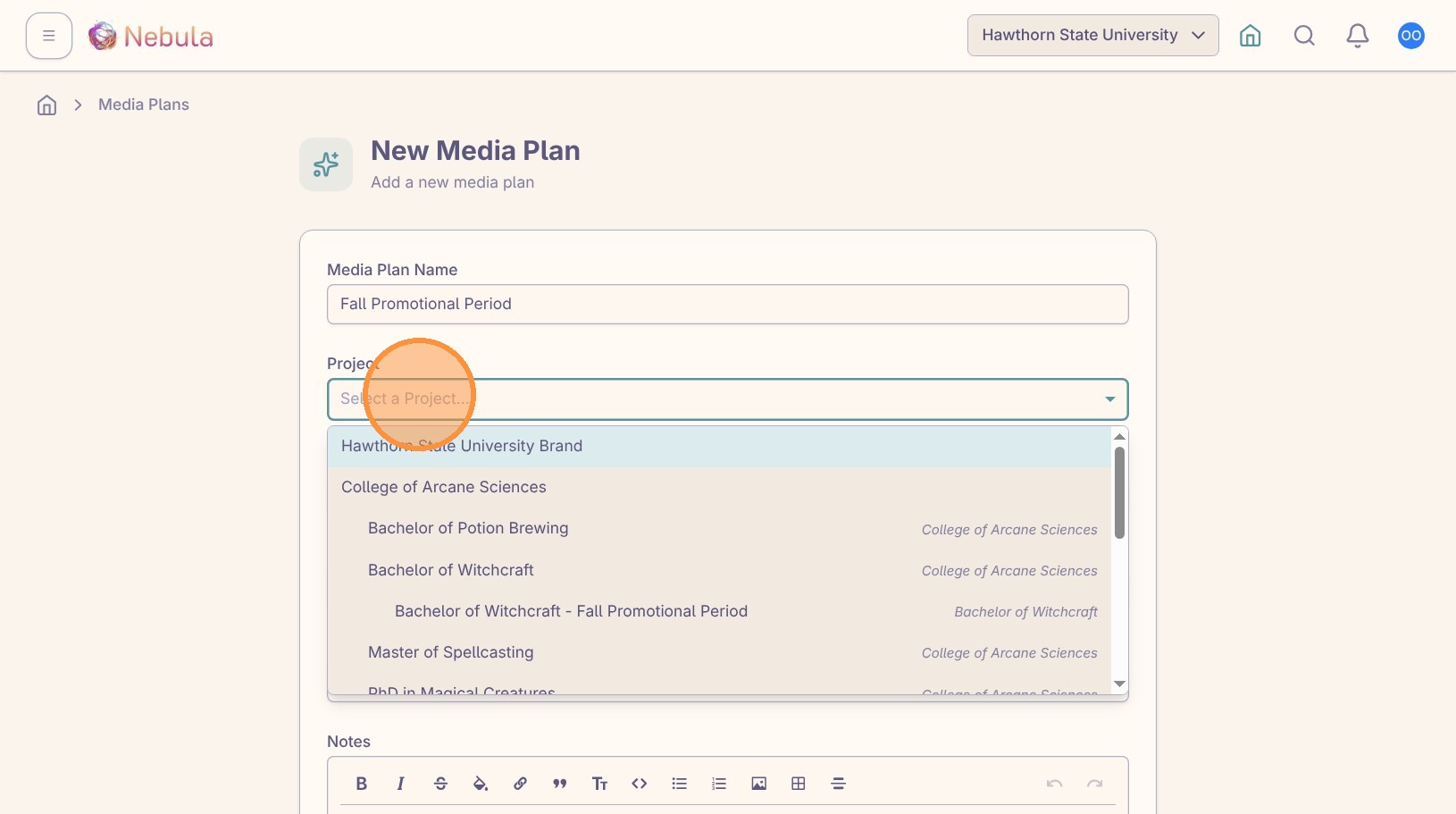
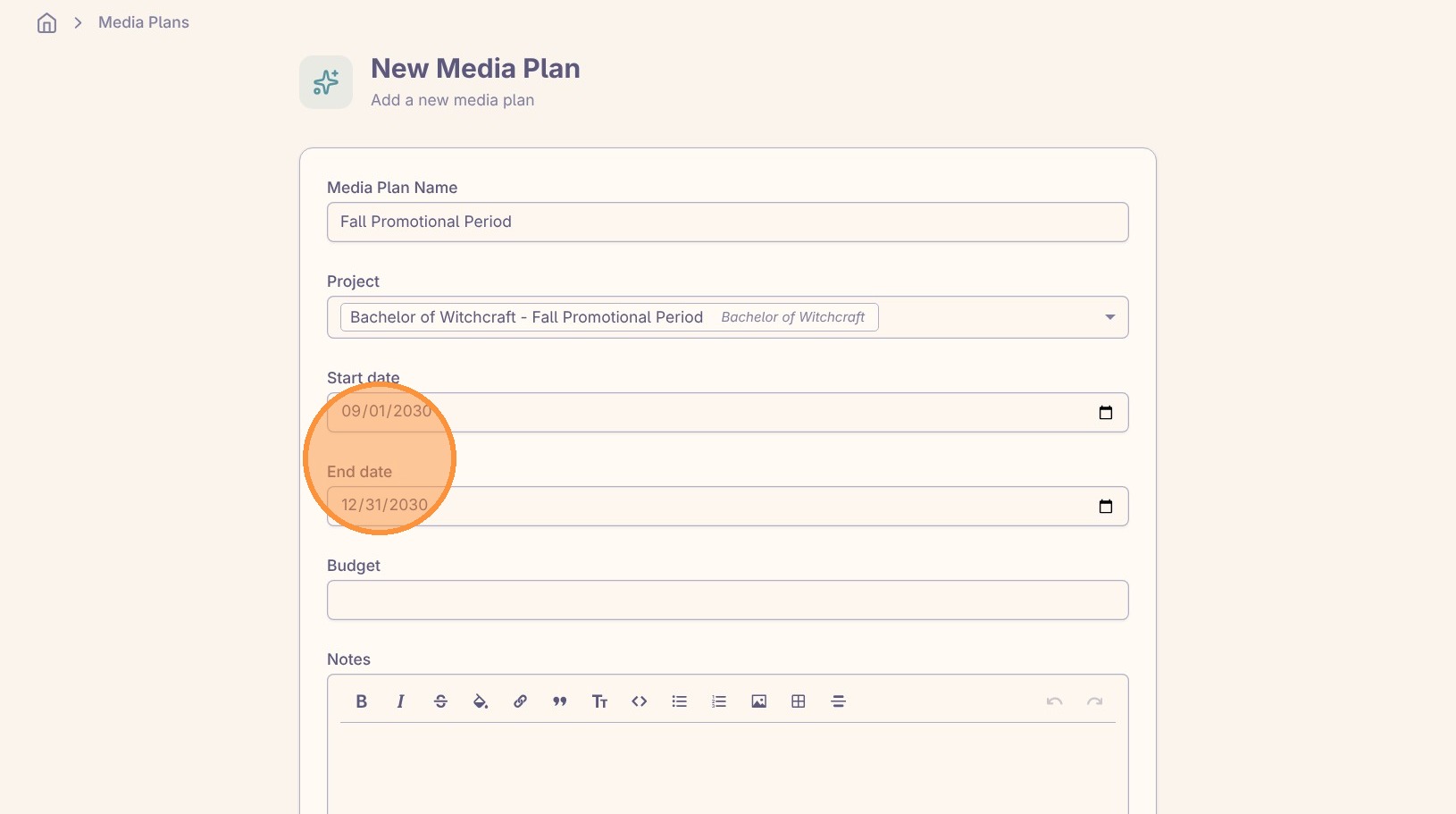
Set the start and end dates carefully. These dates drive the allocation periods and help Nebula compare budget and spend over time.
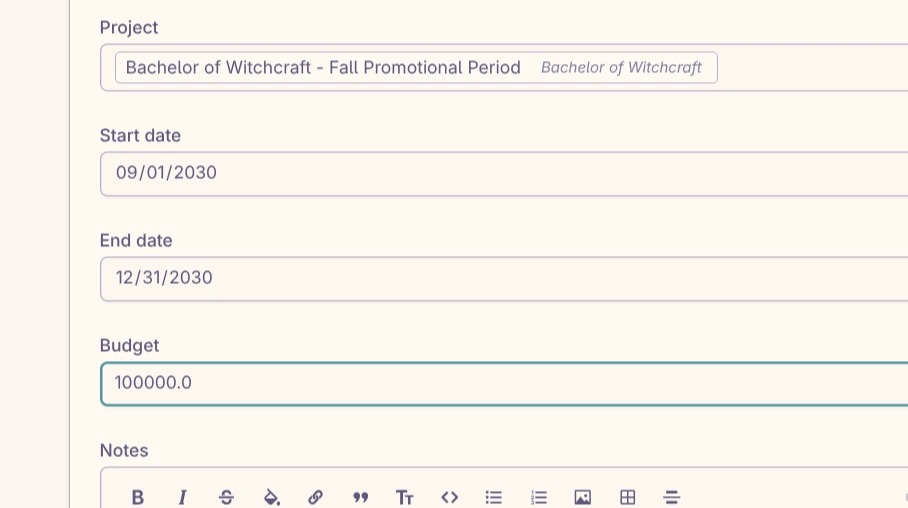
Enter the total budget the placements should reconcile back to.
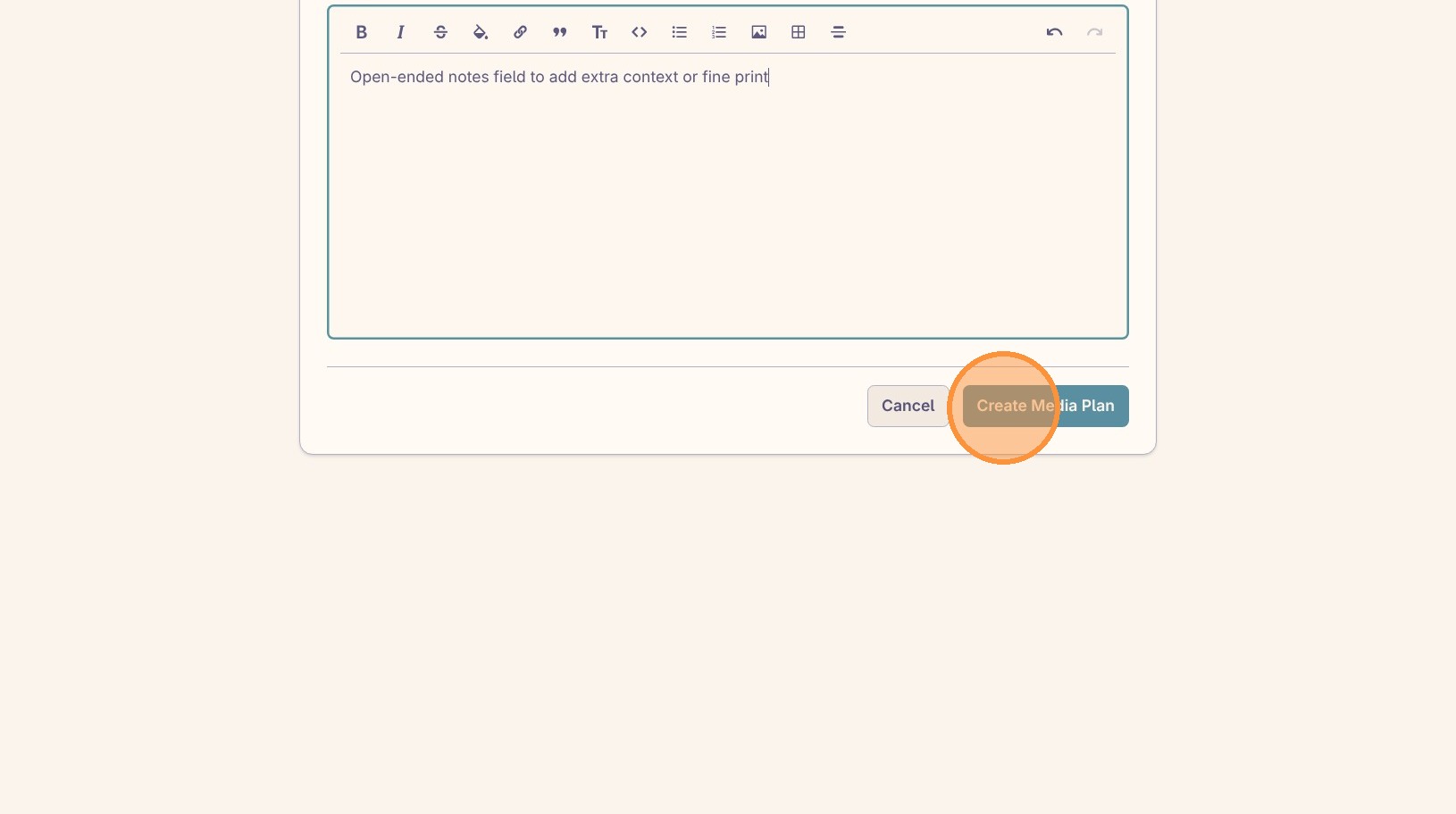
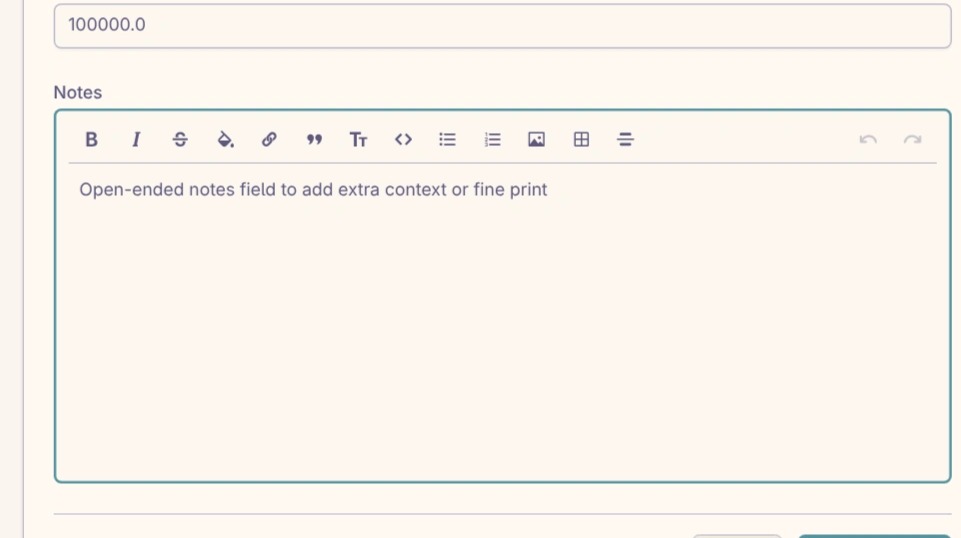
Open “Notes” and capture assumptions, constraints, approval context, or anything else the team will need when they review the plan.
Create the plan
Click “Create Media Plan” when the project, dates, budget, and notes are ready.