Workspace setup
Create a new project
Create the project container that media plans, reports, insights, and creative context will live under.
Create a project before you create a media plan. A project groups related plans, reports, insights, and creative context for a client, brand, initiative, or campaign family.
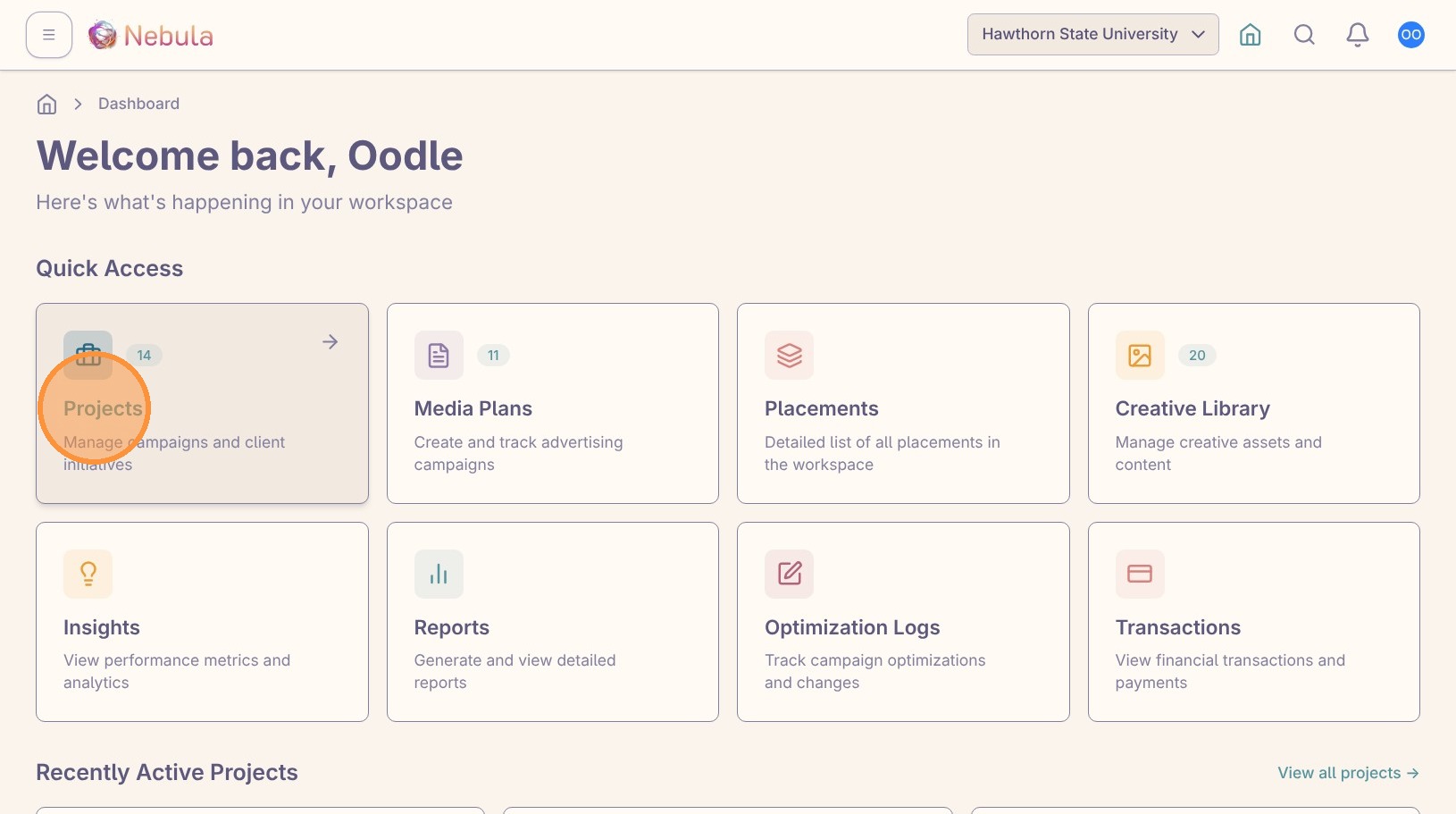
Open the Projects area
Click “Projects” from the workspace dashboard.
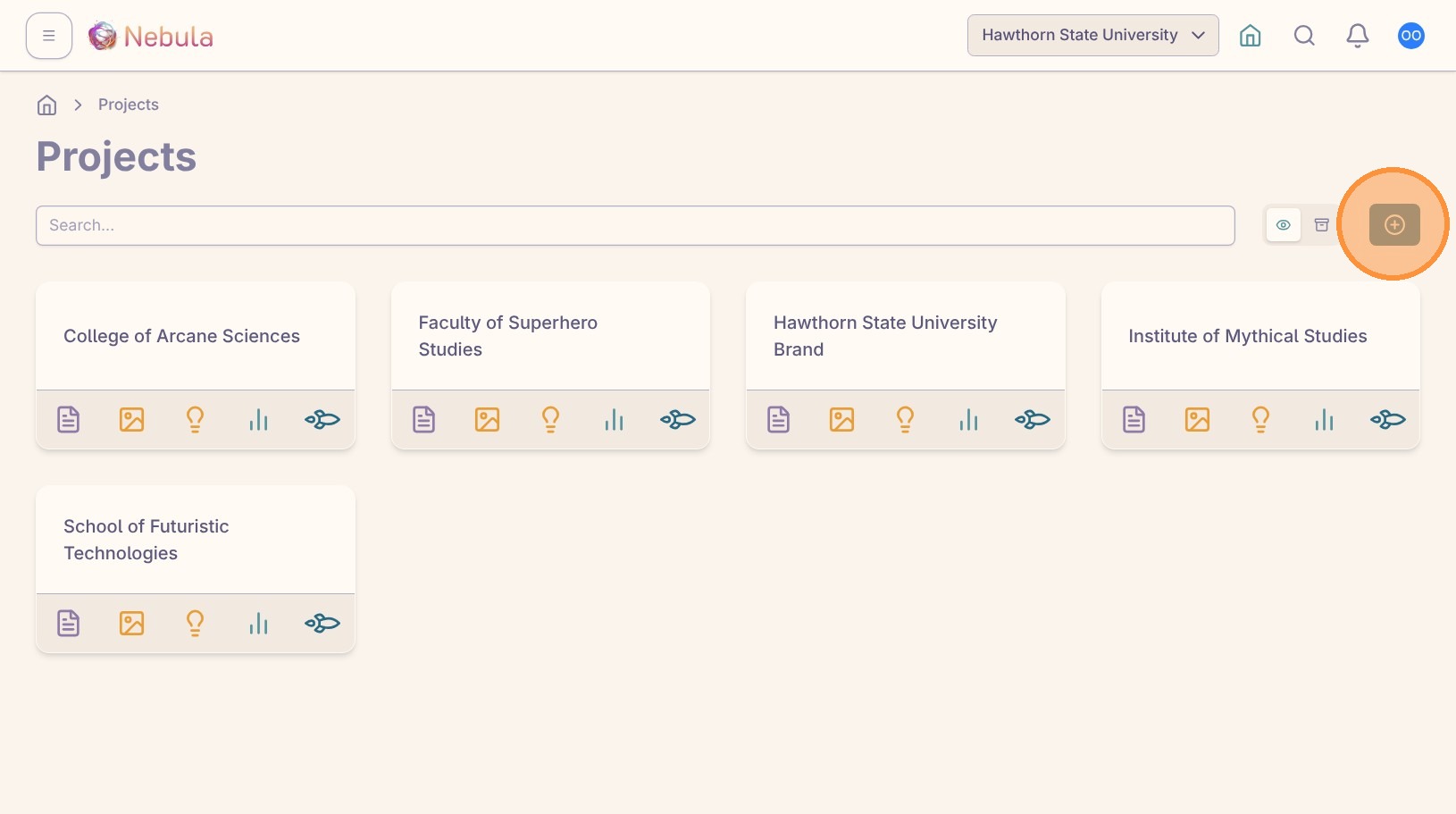
Click the create button to start a new project.
Add the project details
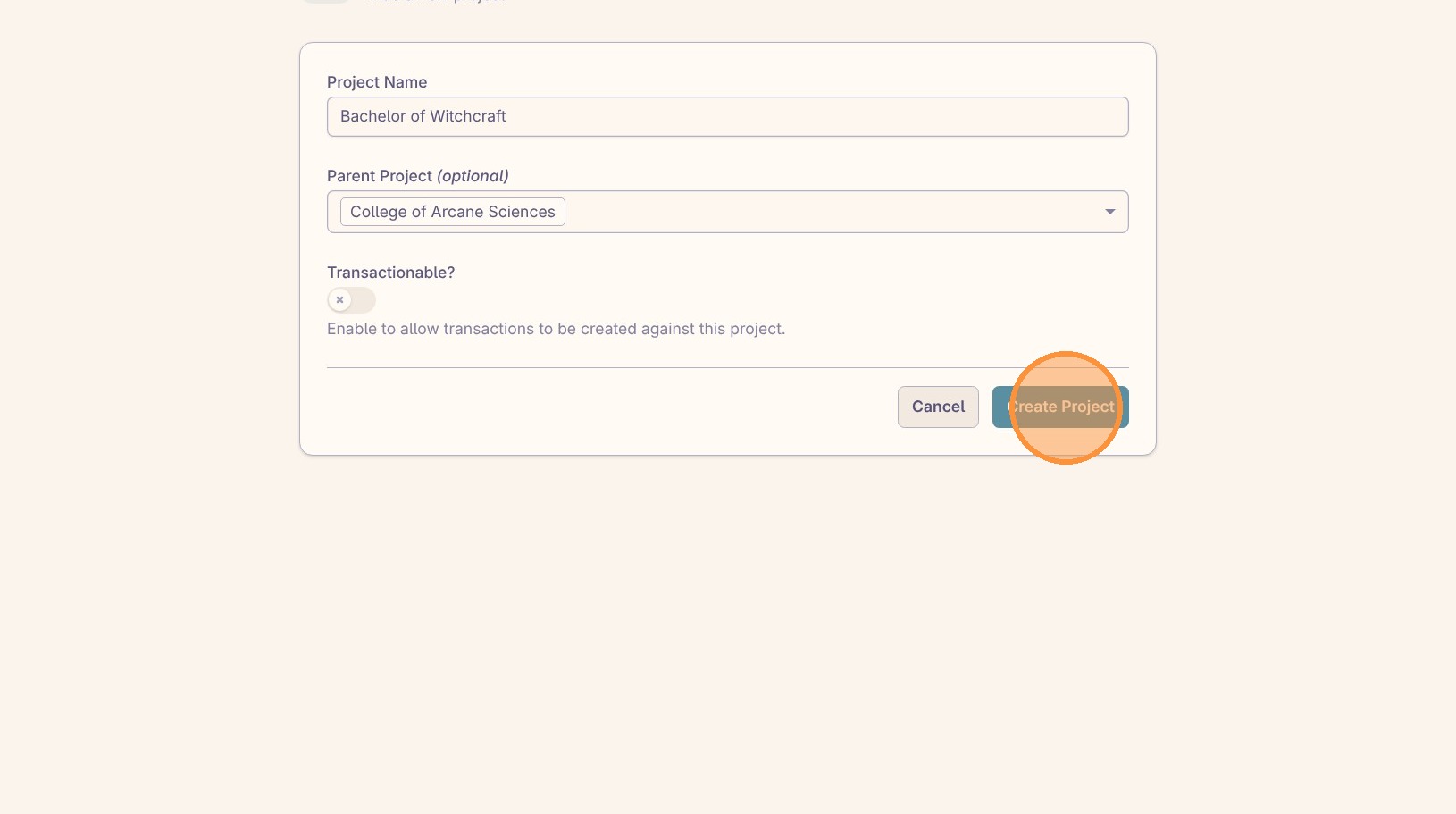
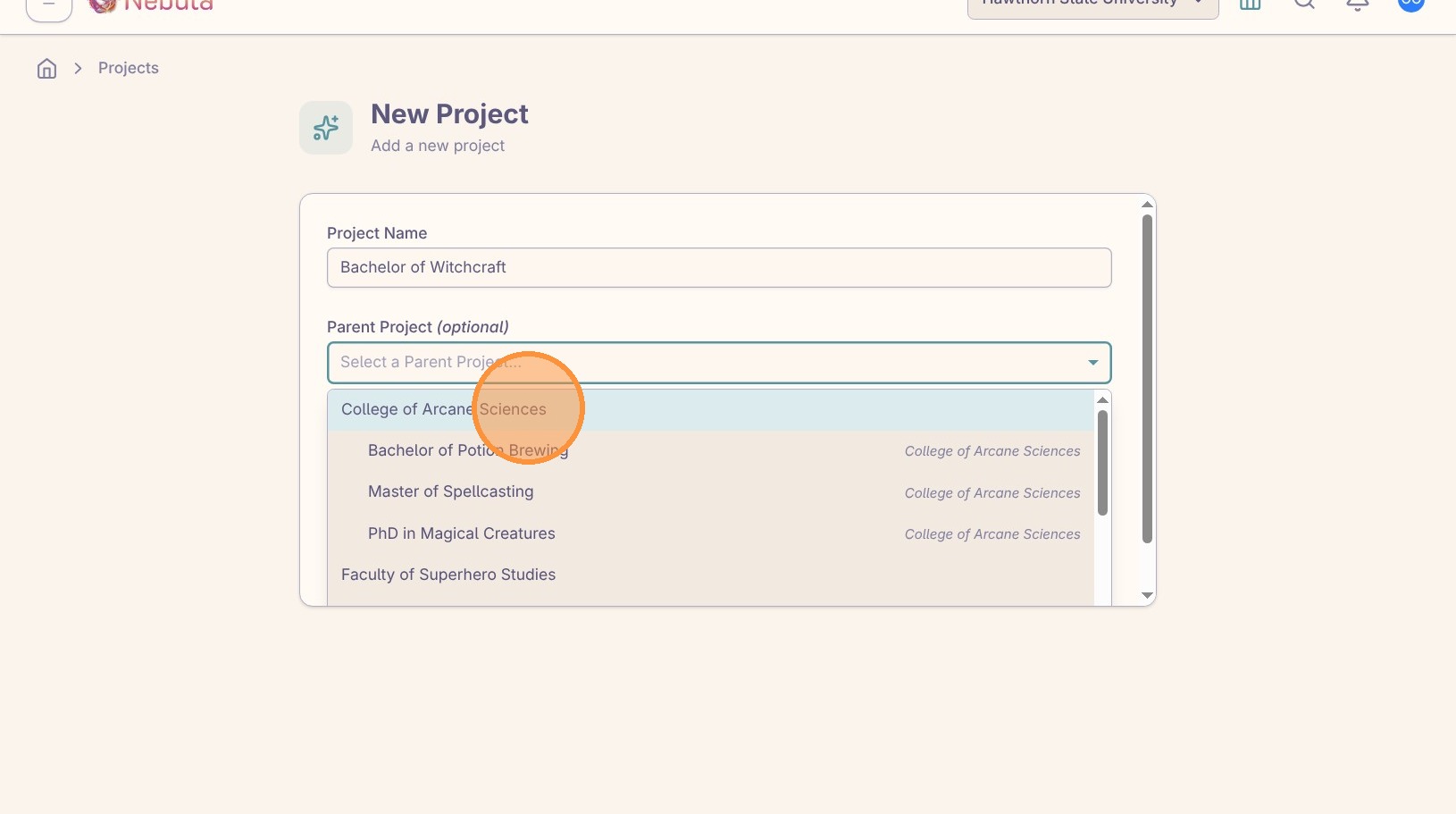
Enter a clear project name. Use the name your team will recognize when they are choosing where to build media plans or review reporting context later.
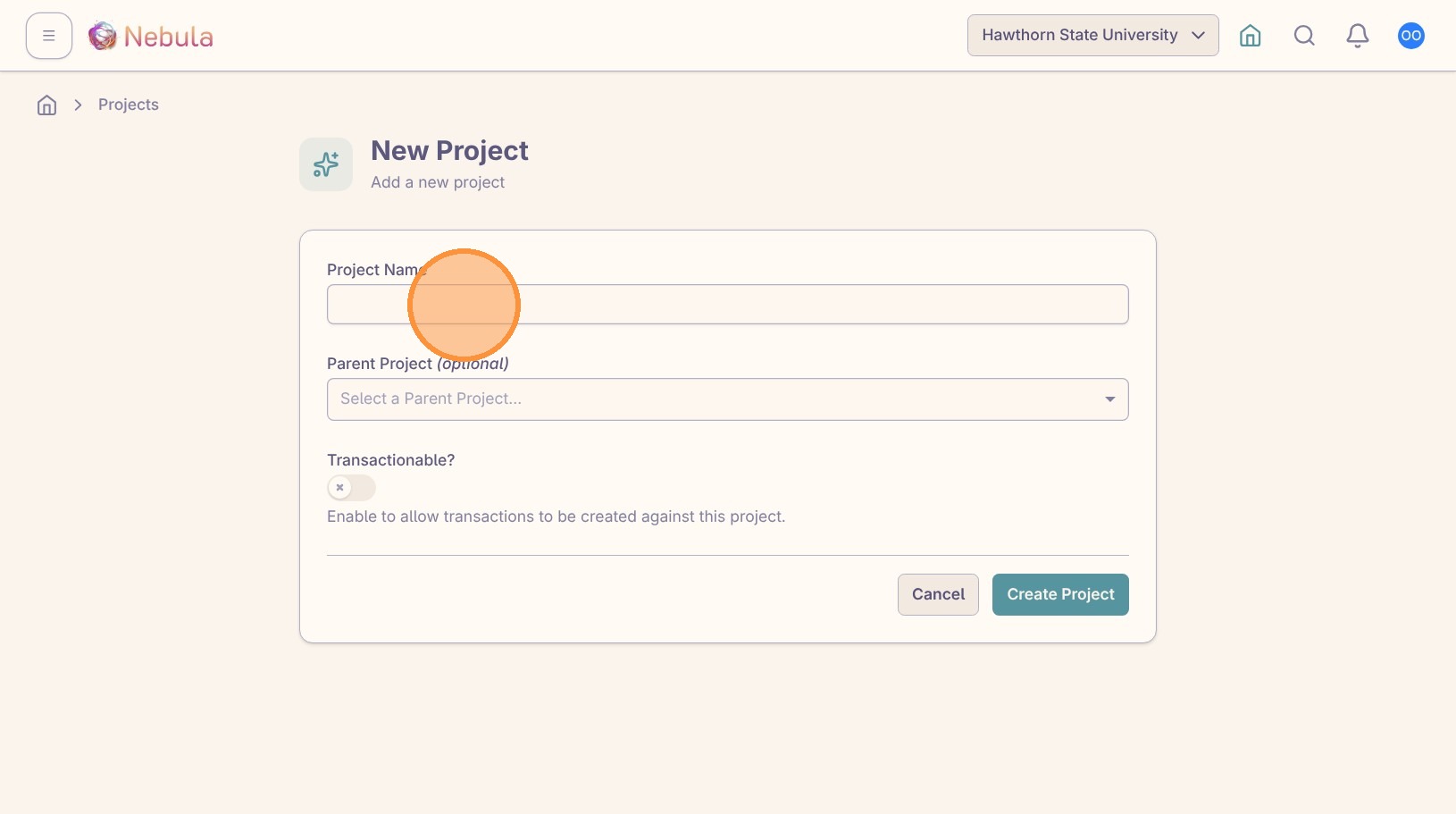
Choose a parent project only when this project belongs under a larger client, brand, region, campaign family, or initiative. If the project should stand on its own, leave the parent project blank.
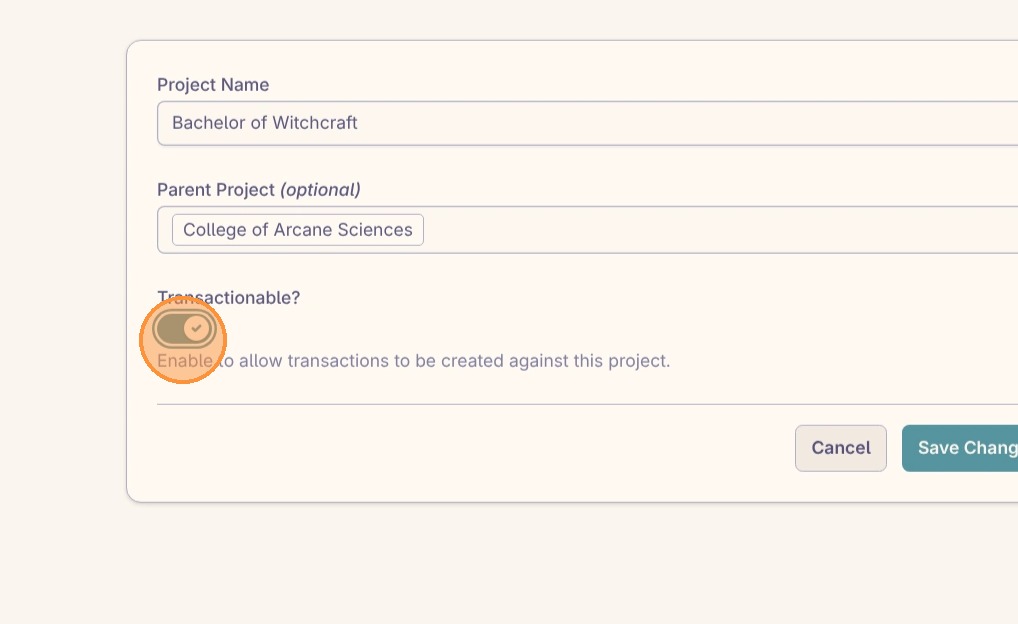
Turn on “Transactionable” only when this project should support transaction tracking or reconciliation workflows. If the project is only used for planning, reporting, or organizing related media plans, leave it off unless your workspace admin has told you otherwise.
Create the project
Click “Submit” when the project name, parent project, and transaction setting are correct.